
Advanced multi-camera calibration

Projectiontools

Precision calibration for the most demanding visual systems.

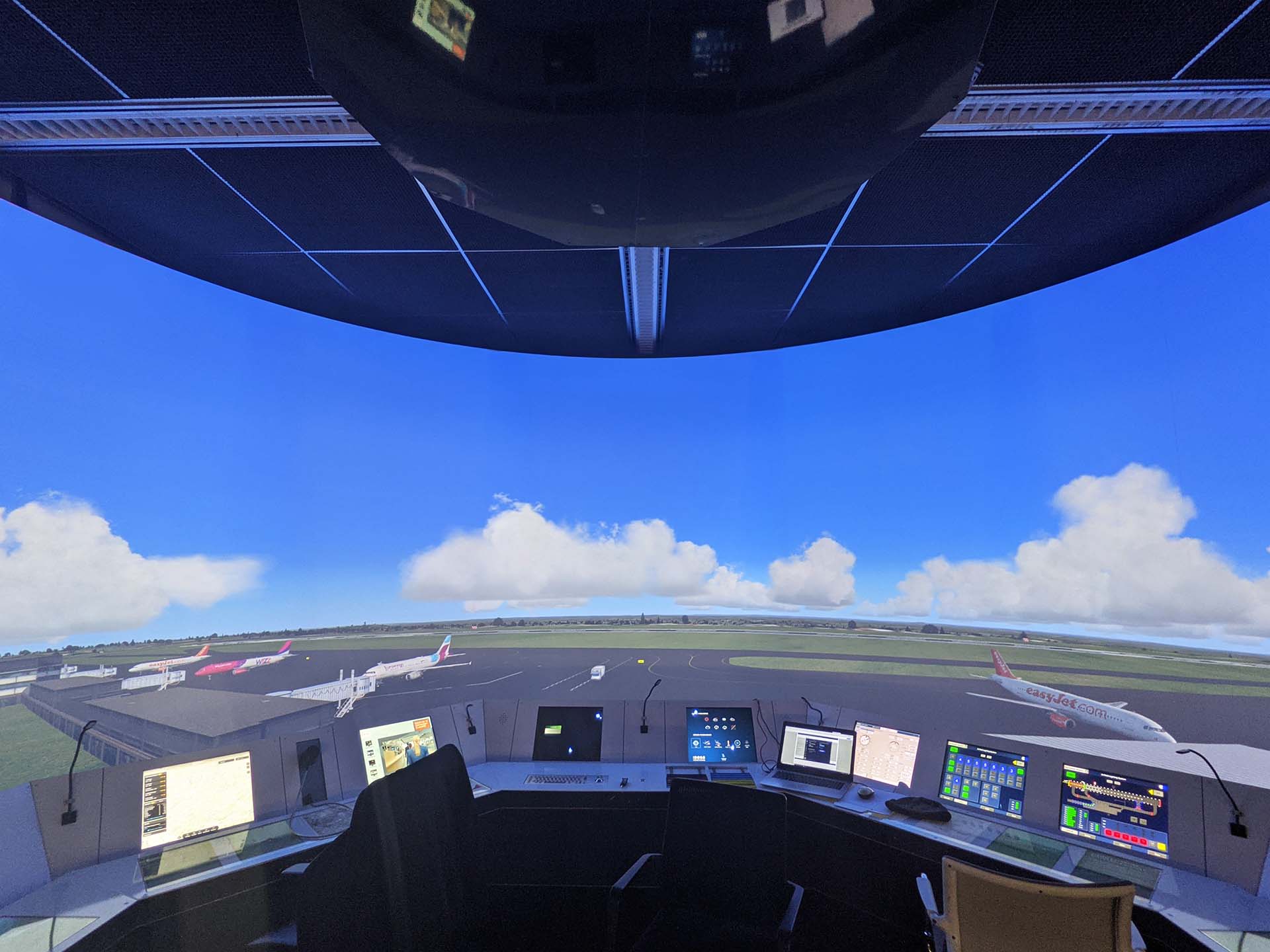
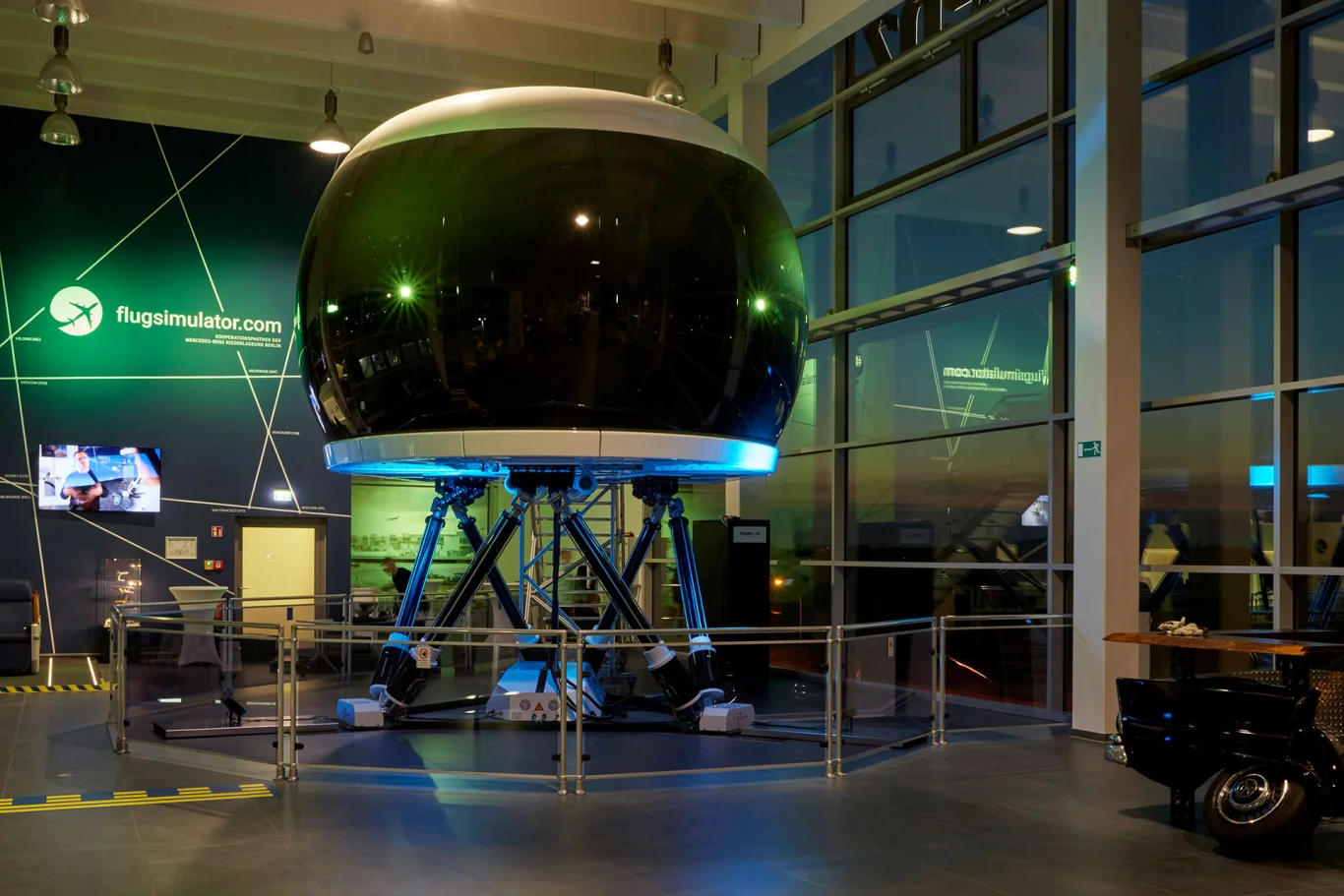
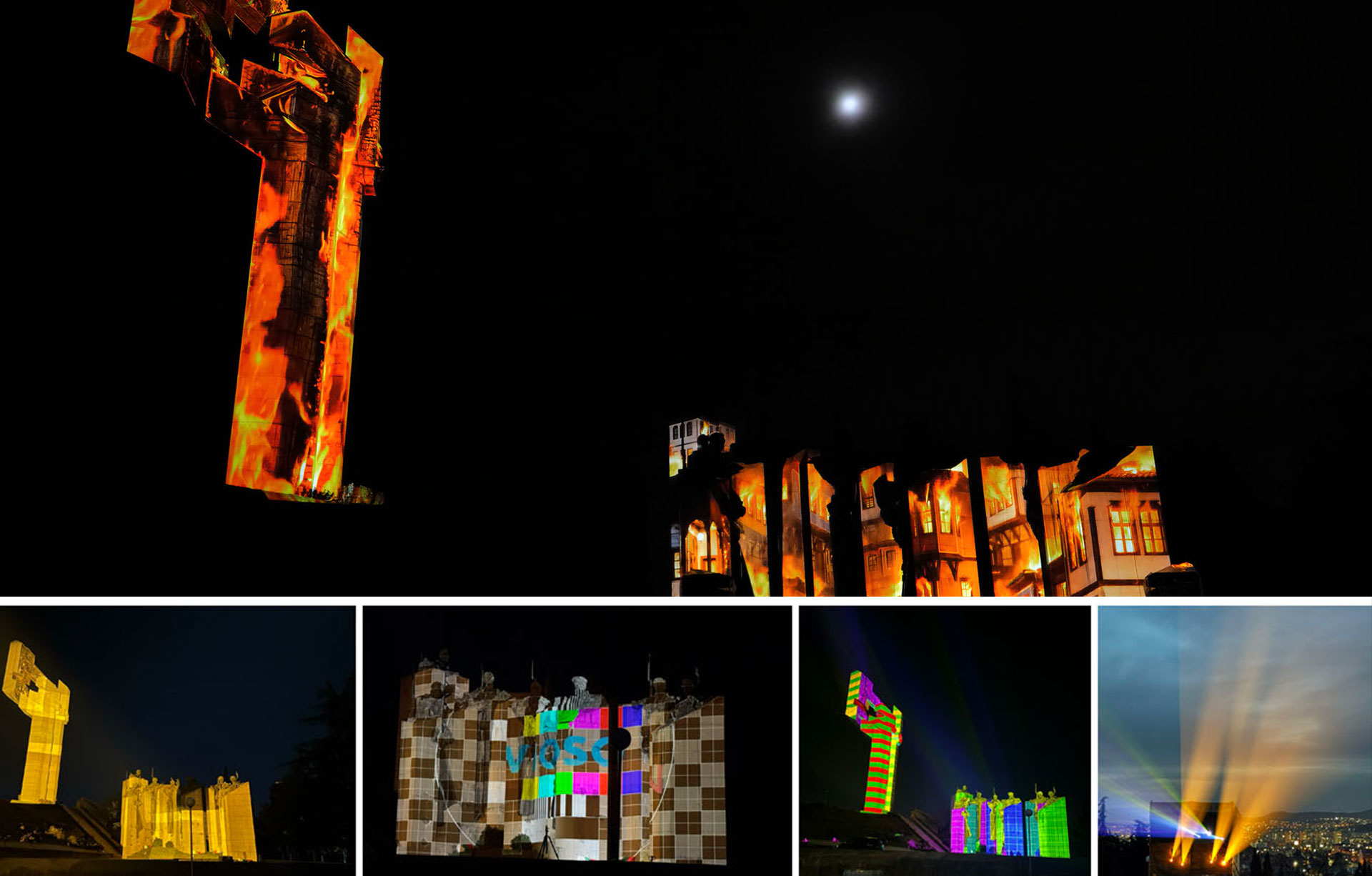
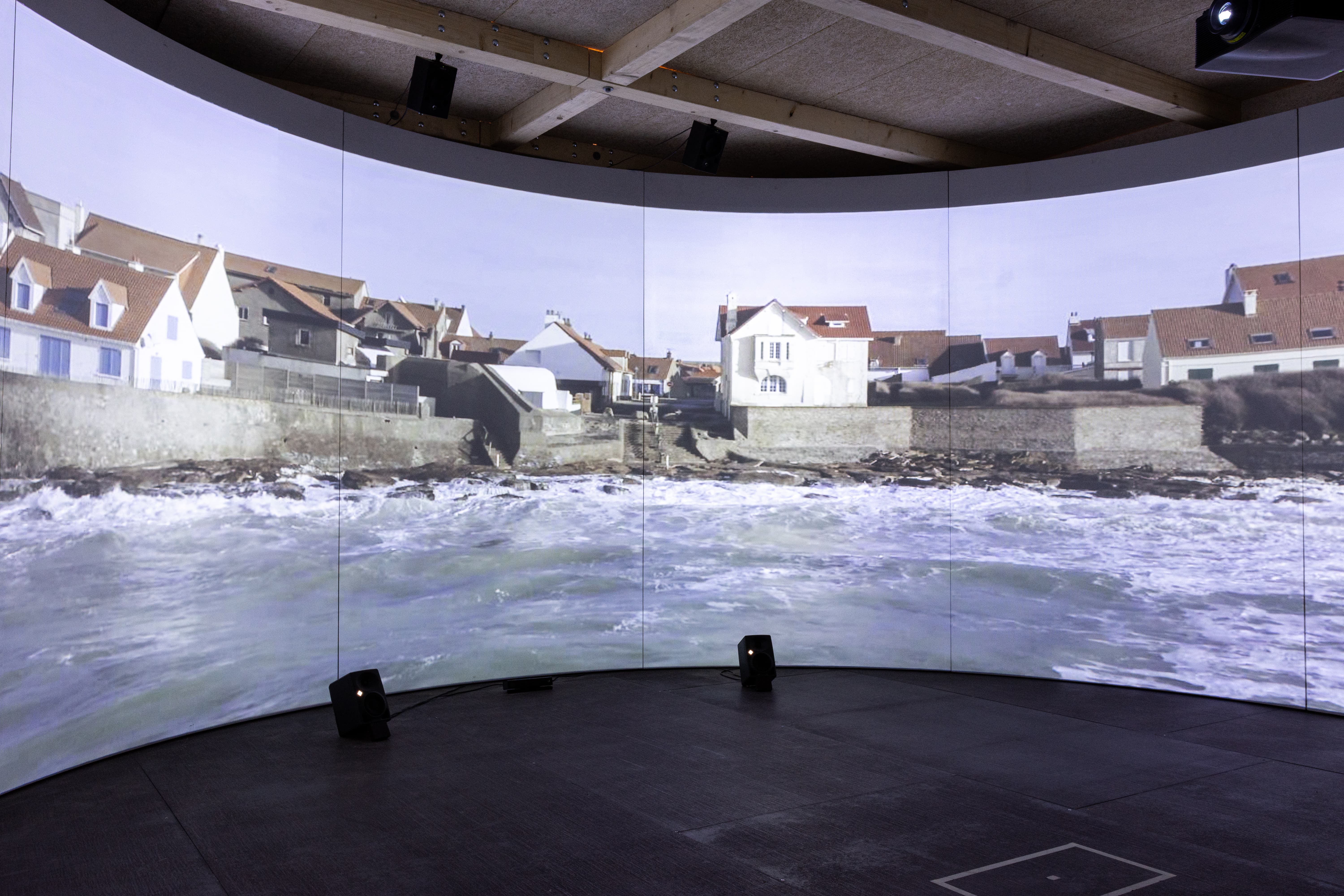
Calibrate complex simulators, immersive rooms, domes and projection-mapped structures with multi-camera workflows, marker-based recalibration and accurate export to leading render engines, media servers and projectors.

Explore documentation
  1. Capture
  2. Calibrate
  3. Export
  4. Recalibrate
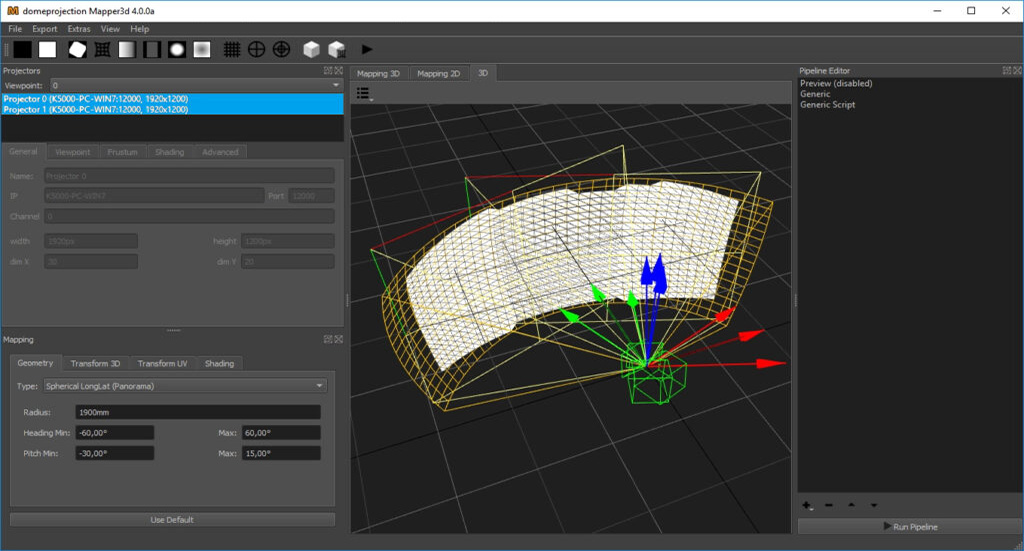
ProjectionTools advanced calibration interface
  • DOWNLOADS

    Datasheets & Documentation

    Visit our DocumentationProjectionTools Doumentation
  • System Requirements

    Runs on Windows 7/8/10/11

    • CPU: Intel Core i5 or equivalent (Intel Core i7 recommended)
    • RAM: 4 GB
    • Graphic Card: OpenGL capable
    Learn more
Take a closer look at ProjectionTools on our dedicated microsite

Projection Mapping Tutorials with ProjectionTools:

  • Projection mapping with ProjectionTools

  • Manual warping in ProjectionTools

The VIOSO Workflow

Where ProjectionTools fits

Every VIOSO product supports a specific stage of the journey from concept to operation.

Explore the full workflow
  1. Workflow stage

    Design & Simulate

    Plan and validate the visual experience before installation.

  2. You are here

    Calibrate

    Align, blend and map the real-world system with precision.

  3. Workflow stage

    Playback

    Run content reliably across the finished installation.

Newsletter

Want to keep in touch? Sign up to our newsletter

Downloads

Want to try our software? Download a free trial

Take me to downloads